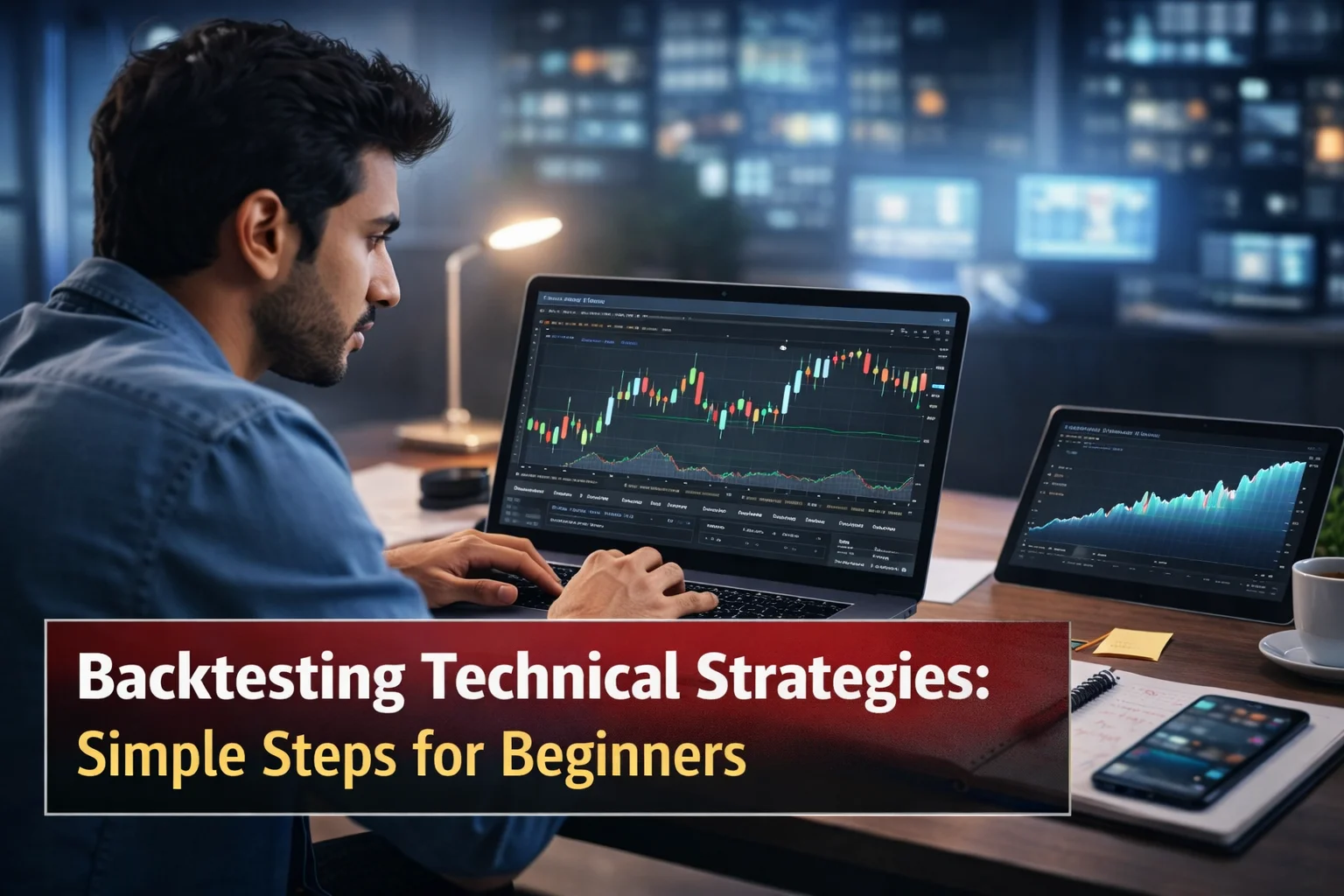
Imagine you are a beginner in Kanpur, sitting with your laptop early in the morning. You see a clean moving average crossover on the Nifty or Reliance chart and feel excited. Without testing, you enter the trade with real money… and soon your account drops 15-20%. This story repeats for most new Indian traders.
The smart fix? Backtesting trading strategies. It lets you test ideas on past data safely before risking rupees. In this complete India trading beginners backtesting guide, you will learn how to backtest on TradingView with the free TradingView strategy tester, understand timeframes, see real tested results with visual proof, avoid mistakes, and build real confidence. Everything is explained in simple words with step-by-step guidance and original TradingView screenshots.
What is Backtesting Trading Strategies?
Backtesting trading strategies means running your trading rules on historical market data to check how much profit or loss they would have made. It works like a time machine — you replay the past without losing money.
On TradingView, the TradingView strategy tester makes this easy and beginner-friendly. No coding needed for most tests.
Backtesting vs Paper Trading: Clear Difference
Backtesting tests your strategy on old data (automatic or manual). Paper trading (forward testing) lets you practise the same rules live with virtual money.
Do backtesting first to validate the idea. Then, paper trade for 30-60 days to feel real market emotions. Both steps are essential before live trading with real capital.
Manual Backtesting vs Automatic Backtesting
Automatic backtesting: Add a ready strategy to the chart. The TradingView strategy tester quickly shows full reports, numbers, and equity curves. Fast and perfect for checking performance.
Manual backtesting: Use the TradingView bar replay tutorial. Rewind the chart and trade one candle at a time as if the market is moving live. This builds real decision skills and avoids “perfect hindsight” bias.
Beginners should start with automatic for quick numbers, then practise with manual Bar Replay.

How to Backtest on TradingView: Simple 7-Step Guide
1. Open TradingView.com and load any chart (Nifty 50, Reliance, or Bitcoin).
2. Click “Indicators” (or press/key).
3. Search “strategy” and add a simple one like Moving Average Crossover.
4. The TradingView strategy tester panel opens at the bottom of the screen.
5. Click the gear icon → Properties. Set realistic settings: initial capital ₹50,000, commission 0.1%, slippage 1-2 ticks.
6. Choose a long date range (minimum 2-3 years).
7. Run the test and study the results carefully.
[Source: https://www.tv-hub.org/guide/tradingview-backtesting ]
Which Timeframe is Best for Backtesting?
This is a very common question. There is no single “best” timeframe — it depends on your trading style. Here are clear, practical guidelines for beginners:
-
- Scalping (ultra-short trades): 1-minute or 5-minute charts. Many trades but high noise, higher costs, and need more historical bars (often paid plan).
-
- Day Trading: 15-minute or 30-minute charts. Balanced but still noisy and limited history on the free plan.
-
- Swing Trading (highly recommended for beginners): 4-hour (H4) or Daily charts. Cleaner signals, less noise, more reliable data, and enough history even on free TradingView.
-
- Long-term/Position Trading: Daily or Weekly charts. Best for testing across full market cycles (bull, bear, sideways).
Best advice for beginners: Start backtesting on Daily or 4-hour timeframes. These give the most trustworthy results with fewer false signals and better data availability. Always test on the exact timeframe you plan to trade live. You can also compare the same strategy across 2-3 timeframes to understand its behaviour better.
Higher timeframes reduce market noise and make your technical analysis backtesting more realistic.
Tested Results: Real Example with 9/21 SMA Crossover Strategy + Visual Proof
The classic 9/21 Simple Moving Average (SMA) Crossover is one of the best backtesting strategies for beginners.
Rules (simple):
- Buy when the fast 9-period MA crosses above the slow 21-period MA.
- Sell (exit) when the fast MA crosses below the slow MA.
Here is what the TradingView strategy tester looks like when you add a moving average crossover strategy:

Here is an example result on Reliance-style stock using a daily timeframe with realistic settings (fees + slippage included). The table below matches typical TradingView strategy tester output:
|
Metric |
Value |
Simple Meaning for Beginners |
|
Net Profit |
+31.2% |
Total gain after all fees and slippage |
|
Total Trades |
52 |
Number of buy/sell signals the strategy generated |
|
Win Rate |
54% |
54 out of 100 trades were winners |
|
Profit Factor |
1.8 |
₹1.80 earned for every ₹1 lost |
|
Max Drawdown |
-15% |
Biggest losing streak — keep this under 20% |
|
Average Trade |
+0.6% |
Average profit per trade |
|
Sharpe Ratio |
1.1 |
Shows decent return compared to the risk |
Strategy tester metrics explained in easy language:
-
- Net Profit: The final money made or lost after costs.
-
- Win Rate: Not necessary to be 80%. Even 50-55% works well if winning trades are bigger.
-
- Max Drawdown: Most important for beginners — this shows the worst losing period. A high profit with 40%+ drawdown can emotionally destroy you.
-
- Profit Factor: Above 1.5 is promising.
In the Overview tab, you will see a nice equity curve (account growth line) that goes upward with some dips. This is visual proof of performance over time. In the Performance Summary, you get a long vs short breakdown. The List of Trades tab shows every single entry and exit. You can click any trade to jump directly to that day on the chart.
Here is what the TradingView bar replay tool looks like for manual backtesting (original interface):


(Charts source: TradingView)

TradingView Strategy Tester Tabs – Visual Breakdown
The tester has four beginner-friendly tabs:
-
- Overview: Shows the equity curve (how your virtual account grows over time) and compares it with a simple “buy and hold”.
-
- Performance Summary: Win rate, total profit, gross profit/loss.
-
- List of Trades: Detailed list of every trade with dates, prices, and P&L.
-
- Risk/Performance Ratios: Sharpe ratio and others (check later).
TradingView Bar Replay Tutorial for Manual Testing
Click the rewind/clock icon at the top (Bar Replay). Select a starting date on the chart. Play forward one candle at a time and mark your entries/exits. This feels exactly like live trading and is excellent for learning price action or candlestick patterns.
TradingView Free vs Paid Backtesting
The free plan is perfect for most beginners, especially on the daily and 4H timeframes. You get full Strategy Tester and Bar Replay.
Paid plans unlock: more historical bars, Bar Magnifier (precise intrabar data), Deep Backtesting, and better performance on lower timeframes like 15-minute. Start with free upgrade only when you need deeper data or more charts.
Can TradingView Backtesting Be Trusted? Limitations
It is quite accurate when you add realistic commission and slippage. But remember: is backtesting accurate for future profits? No. Past results do not guarantee future success because markets change.
Limitations of TradingView strategy tester:
-
- Limited historical bars on very low timeframes in the free plan.
-
- Cannot predict news events or sudden gaps.
-
- Assumes near-perfect execution (real brokers may add extra slippage).
Daily and 4-hour timeframes give the most reliable and longest data.
Common Backtesting Mistakes Beginners Should Avoid
Backtesting mistakes that make results fake:
1. Testing without commission and slippage.
2. Using only 6 months of data or only bull market periods.
3. Over-optimizing (changing rules many times until the curve looks perfect — called strategy overfitting).
4. Ignoring Max Drawdown.
5. Testing on only one asset or one timeframe.
[Source: https://www.tv-hub.org/guide/tradingview-backtesting ]
Backtesting for stocks vs forex vs crypto: Stocks like Reliance have fewer gaps. Forex runs 24/5. Crypto is very volatile with weekend gaps. Always test the same strategy separately on each and compare the tables.
Which Strategy Types Are Easiest for Beginners?
Start with these simple, rule-based strategies already available on TradingView:
-
- Moving Average Crossover.
-
- RSI Overbought/Oversold (buy below 30, sell above 70).
-
- MACD Crossover.
-
- Supertrend Indicator.
These are visual and perfect for technical analysis backtesting.
Next Steps After a Good Backtest
If your tested results look solid (decent net profit, low drawdown, realistic fees), move to paper trading the same strategy for 1-2 months. Then start with little money, real money. This full cycle — backtest → paper trade → small live — is how smart beginners in India build lasting success.
If you want to take your learning one step further, you can explore advanced setups like Backtesting 0DTE Options: Methods, Tools, And Strategy, where traders test same-day expiry strategies using faster timeframes and specialized tools.
At the same time, it’s equally important to understand how to apply these tested ideas in real markets. You can explore different trading strategies that help you turn backtesting insights into practical execution.

Conclusion
Backtesting trading strategies on TradingView is simple, powerful, and free to begin. Open the platform right now, choose Daily or 4-hour timeframe, add the SMA crossover strategy, set realistic fees, and run your first test. You will see the TradingView strategy tester in action with real numbers, charts, and visual proof like the screenshots above.
You will start reading charts with knowledge instead of hope. Markets will always surprise you, but a properly tested plan keeps you calm and protects your capital.
Ready to start your TradingView backtesting guide? Pick one simple strategy today, test it on your favourite timeframe, and share your results table or questions in the comments. I read every single one!
Happy backtesting, steady learning, and safe profits ahead.

DISCLAIMER: This blog is NOT any buy or sell recommendation. No investment or trading advice is given. The content is purely for educational and information purposes only. Always consult your eligible financial advisor for investment-related decisions.

.webp)